
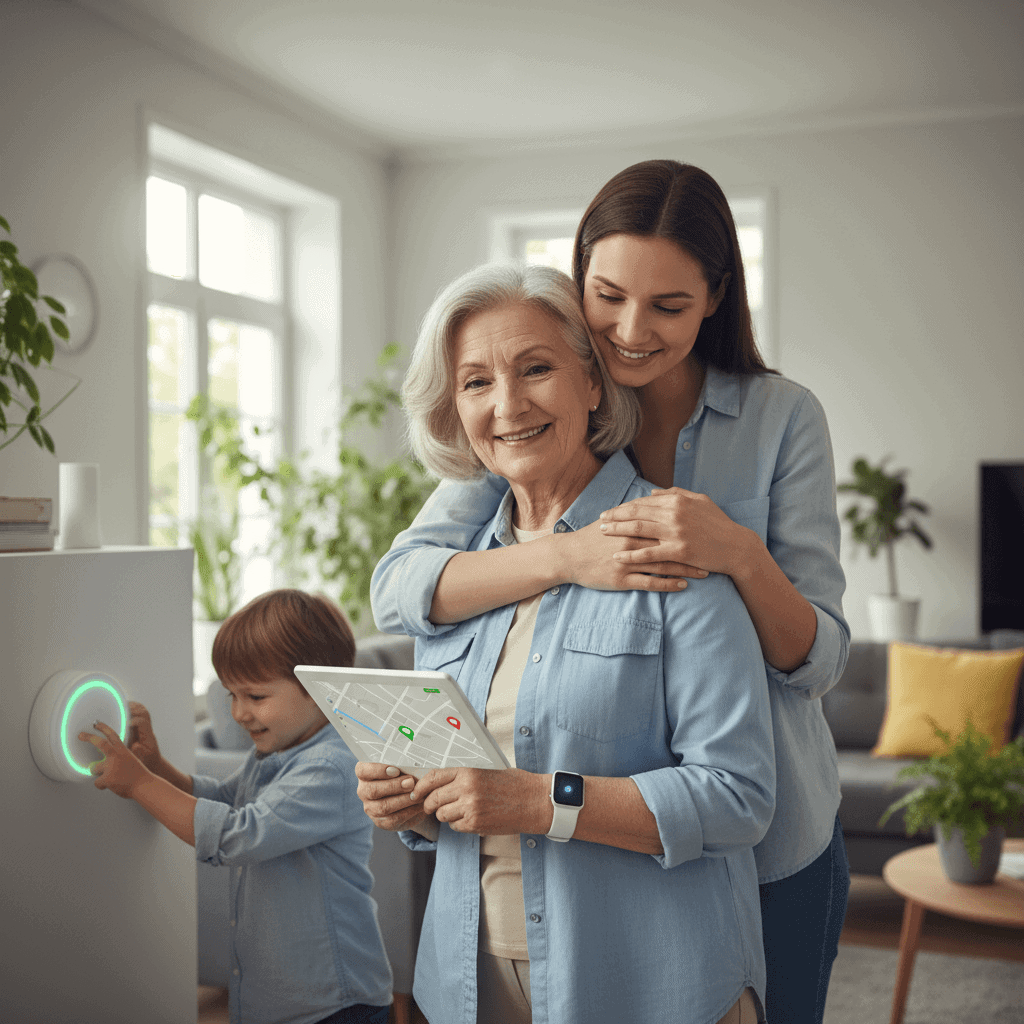
When a parent, spouse, or close friend faces health setbacks the small choices we make at home can have a large impact. Medical alert technology has moved beyond the simple pendant on a lanyard to
When a parent, spouse, or close friend faces health setbacks the small choices we make at home can have a large impact. Medical alert technology has moved beyond the simple pendant on a lanyard to an array of wearable and home based systems that respond to falls, sudden illness, or other emergencies. For families weighing options this guide lays out clear information so decisions match real needs and budgets.
Across the article you will find comparisons of device types tips for evaluating services and practical scenarios showing how devices perform in daily life. The aim is to help you protect loved ones with medical alert tech in a way that fits personal routines and medical conditions. Read through the options then pick a plan that feels sensible rather than rushed.
Why protecting loved ones with medical alert tech matters
Falls and sudden medical events happen often among older adults and people with chronic conditions. Research shows one in four adults aged 65 and older falls each year. Many of those falls occur at home where a person may not be able to reach a phone. Minutes can make a difference for outcomes after a fall or heart event. A device that summons help quickly can reduce time spent waiting and cut the risk of complications.
Beyond emergency response these systems add practical value for people who live alone or who have memory challenges. Reminders built into some devices remind users to take medication or check in at set times. For family members the visibility offered by regular check in reports or activity logs offers reassurance about daily routines. That kind of ongoing feedback helps families weigh whether more in person support is needed.
Types of medical alert devices and how they work
There are three main formats to consider. Each one fits a different lifestyle and level of medical risk.
- In home base stations These plug into power and connect to a phone line or cellular network. The user wears a pendant or wrist button that communicates with the base unit within a fixed range. Good for people who spend most of their time at home.
- Mobile wearable systems These use cellular networks and GPS so the wearer can get help outside the home. They are suited to active seniors who run errands or travel.
- Watch style devices These combine the look of a smartwatch with fall detection heart monitoring and two way voice. They may be pricier but provide continuous monitoring and additional health metrics.
All systems include a method for contacting a monitoring center or designated contacts. When a user presses a button or when an automatic sensor detects a fall the system sends an alert and a trained responder or family member is contacted. Response times vary by provider but most commercial centers aim to make contact within one to two minutes.
Key features to compare when choosing a system
Not all devices are created equal. When evaluating options focus on these core attributes that determine effectiveness and usability.
- Detection accuracy How well does the device tell a fall from normal motion. Some systems have false alarms while others miss certain types of falls. Look for devices with clear testing data or demo videos.
- Battery life Longer battery life reduces the chance the device will be unavailable when needed. Wearables that must be charged daily may be forgotten while devices with multi day battery cycles require less routine handling.
- Connectivity type Landline based units are less flexible but cheaper to run. Cellular devices work anywhere there is network coverage and are better for users who leave the home regularly.
- Two way voice A built in speaker and microphone allow the user to speak with a responder even if they cannot reach a phone.
- Automatic fall detection This feature can trigger help when a user is incapacitated. It is useful but not perfect so pick a unit that lets you adjust sensitivity.
Button and wearability options
Some wearables are pendants others are wristbands and a few are clip on devices. Comfort and style matter because if a person refuses to wear the device it provides no benefit. Try to get a wearable that matches the user preference and test it in everyday situations like putting on a coat or gardening.
Connectivity and response choices
Monitoring may be handled by a professional center or by family contacts. Professional centers operate 24 7 and dispatch emergency services when needed. Family based response often has no monthly fee but requires someone to be reachable at all hours. Consider time zone differences and work schedules when assigning family contacts.
Cost factors and practical value
Pricing breaks down into upfront hardware costs and ongoing monitoring fees. Entry level home systems may have low monthly fees while mobile plans often cost more due to cellular service. Some providers require multi year contracts others bill month to month. Consider the total first year cost and ongoing annual cost when comparing plans.
Assess value by matching cost to the specific risk being managed. A person with a high fall risk who lives alone will gain more benefit from mobile monitoring than someone who is rarely away from family members. Think of the service as a form of rapid support that can reduce the need for emergency room visits and prolonged hospital stays. For some families that reduction in medical expenses alone covers the cost of the service.
Real world examples and common scenarios
Scenario one
Mrs Garcia is 78 and lives alone. She is independent but uses a cane. After a weekend fall where she could not get up for several hours her daughter bought a base station with a pendant. A button press connected Mrs Garcia to a monitoring center which summoned an ambulance within minutes. Quick treatment prevented dehydration and an extended hospital stay.
Scenario two
Mr Ellis takes daily medication and enjoys morning walks. A watch style device with GPS tracked his location and included reminders for pills. Once when he felt dizzy the device called his emergency contact and sent location data so help arrived quickly. The watch also recorded an irregular heartbeat which prompted a follow up with his doctor.
Practical tips for integrating a device into daily life
- Trial a unit first Many providers offer a trial period. Use it to test range battery life and the comfort of the wearable during typical tasks.
- Assign contacts with clear roles Select one primary responder and two alternates. Make sure each person knows when to call emergency services and when to visit in person.
- Train the user Practice pressing the button and explain what happens when an alert is triggered. Role play scenarios so the user is not startled the first time a monitoring agent calls.
- Set up a charging routine If the device needs daily charging place the charger next to medication or by a favorite chair so it becomes part of an established habit.
- Review monthly reports If the service provides activity logs check them with the care recipient to spot changes in movement or sleep patterns that may indicate new needs.
For families who want a deeper look at device effectiveness and options you can get the insights from a detailed review that compares plans features and costs. That kind of comparative information helps match a system to the specific support needed.
Questions to ask vendors before you buy
When speaking to a provider be ready with practical questions that reveal real performance rather than marketing claims. Ask about average response times and what percentage of alerts lead to emergency dispatch. Request written details on false alarm policies and whether a family member will be notified before services are dispatched.
Clarify service terms about cancellation fees contract length and warranty coverage. Also check whether the device works during power outages or whether it needs a landline. If mobility is important ask about GPS accuracy in urban canyons or indoors. A reliable vendor will welcome these questions and provide clear answers.
Choosing a medical alert system is a balance of cost convenience and the level of risk being managed. For many families the most useful devices are those that a person will actually wear and that connect to a live responder quickly. By testing devices involving family members and setting up clear emergency plans you can make an informed choice that improves safety without creating extra complexity.
Conclusion
Protecting loved ones with medical alert tech means matching technology to human needs. The best choice depends on daily habits medical risk and the type of response you want available. Evaluate detection accuracy battery life connectivity and the nature of monitoring support before making a decision. Try systems during trial periods involve the person who will wear the device and set up clear family response roles so alerts are handled efficiently.
Think of these tools as one part of a larger safety plan that can include home modifications routine health checks and social supports. When a device prevents a long wait after a fall or makes it easy to get help during a sudden illness the advantages are obvious. If cost is a concern compare total yearly costs and ask vendors about payment options or discounts through medical insurers.
Take the next step by testing a device with your loved one and reviewing real world performance. If you need more detailed reviews and side by side comparisons consult professional reviews to compare features and pricing. A short trial and a clear plan will show whether a given system fits your family. Make a choice this week and set up the device practice using it and confirm contacts so the protection is active as soon as possible.